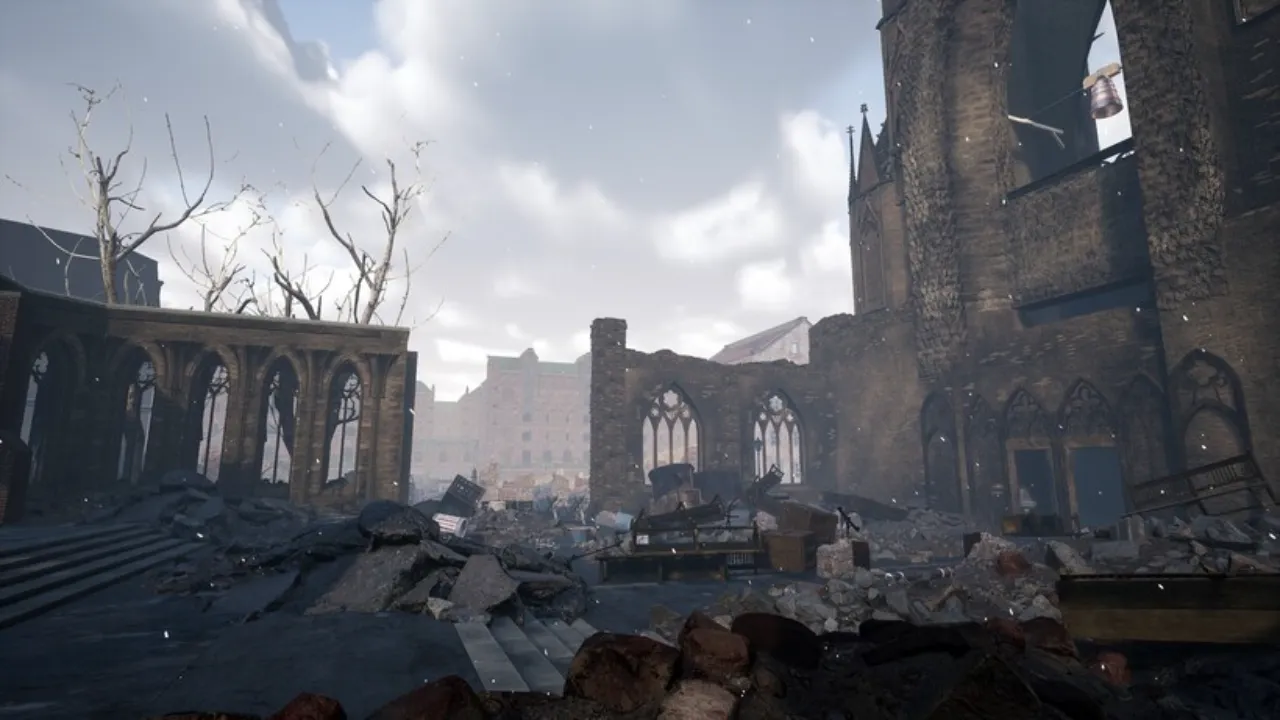
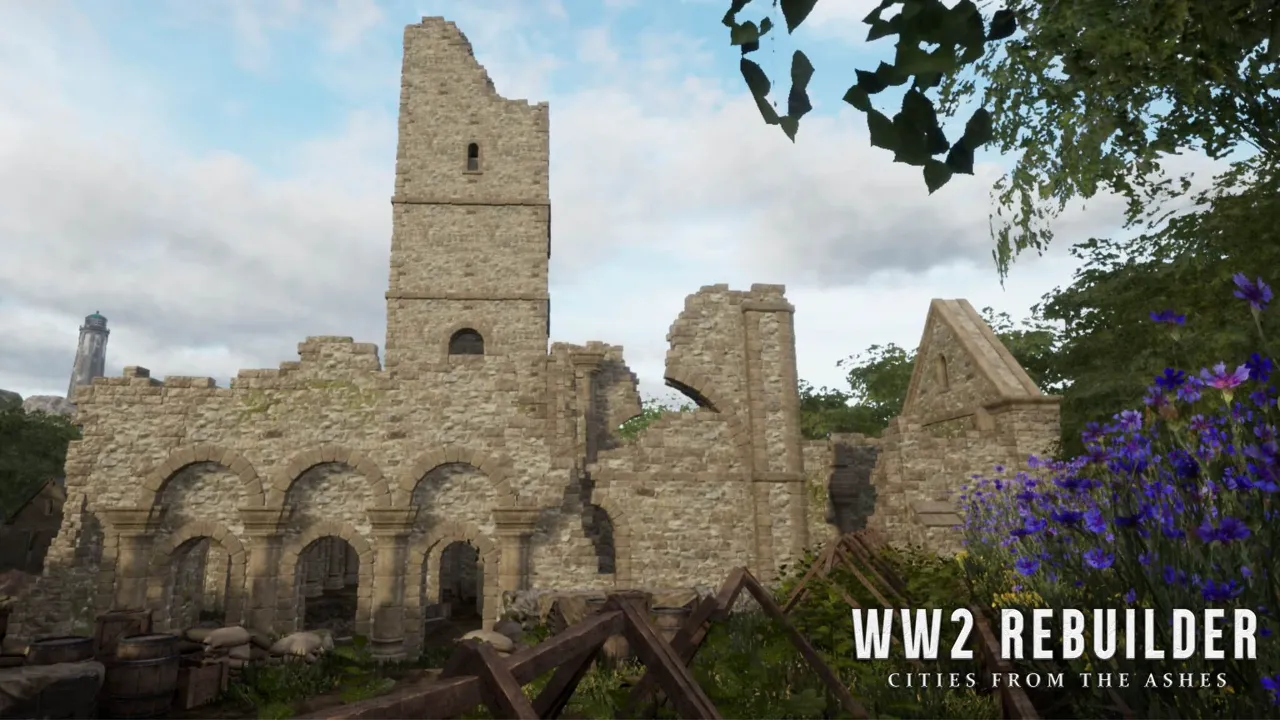
Direct Download the Latest Version of WW2 Rebuilder, it is a simulation game where you flip, renovate, repair and rebuild places destroyed during World War 2.
WW2 Rebuilder Update Overview
It’s 1945. It’s the end of World War II, the war that left a mark. Now people like you have to leave their hometowns to rebuild their countries.
This is the major update of the WW2 Rebuilder to solve its all errors and easy to play with many more new features.
You must need to download the full game of WW2 Rebuilder for applying this update.
Download WW2 Rebuilder Full Game from this link WW2 Rebuilder Free Download Now!
WW2 Rebuilder Patch Update
- Improved physics of dragged objects by crane for more controllable behaviour
- Objects that are attached to crane rope can no longer hit the vehicle
- Resized silo on Essen map, improved behaviour of the map quest objects
- Crane camera changed perspective and added rotation for a better driving experience
- London map general collisions improved
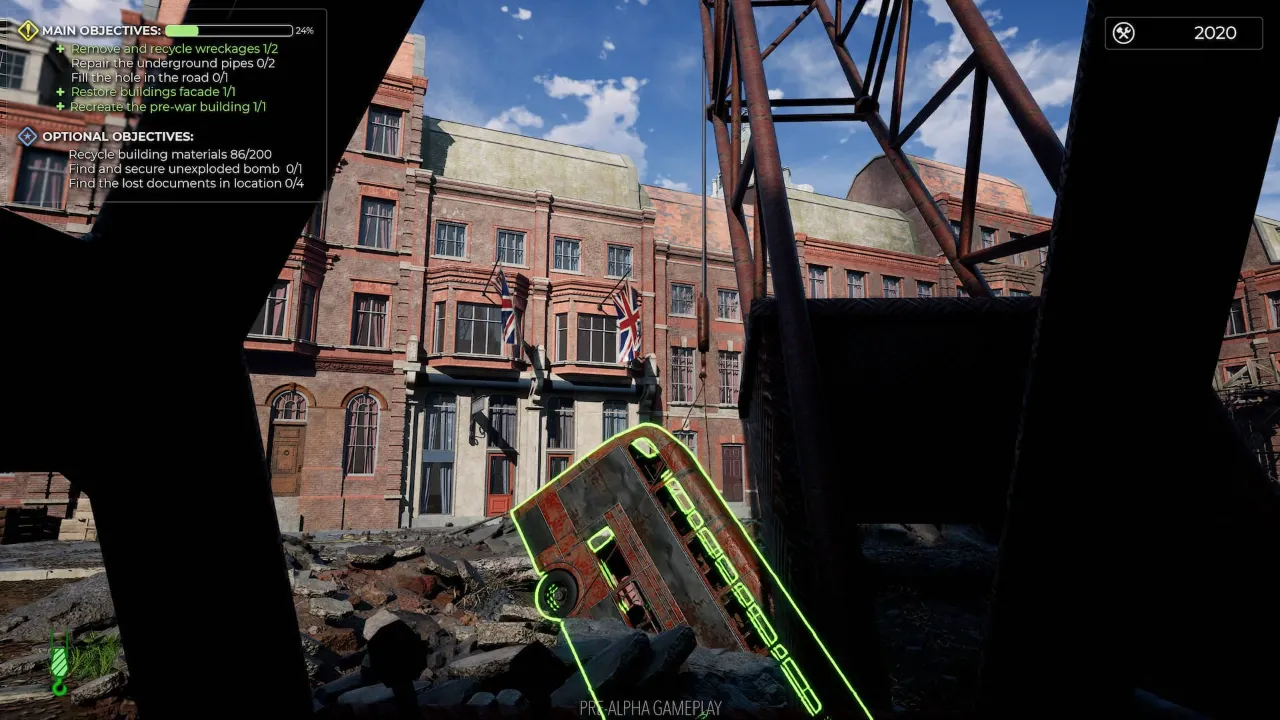
- Clean & Decorate sub-tasks progress added to main mission widget for better clarity of progress
- Dunkirk planes and boats have increased friction with the ground so they drift less
- Fixed blocker where flipped on back Dunkirk plane couldn't be cut using a cutting torch
- The Dunkirk plane should no longer clip under landscape
- Fixed stuck spot on Hamburg pier
- Fixed drowning bug loop on the Hamburg map
- Deleted clipping street bollards on Hamburg
- Mouse invert not saving properly after the game restart
- Prevent simultaneous use of F and LMB that lead to objects shrinking down
- Wheelbarrow inventory saving fix
- Increasing garbage cleanup quest by props projection fixed
- The bus is now pushed from the London bus hole when it's filled
- Translations bug fixes
- And much more
WW2 Rebuilder Game Key Features
- A Different kind of construction game: Ww2 Rebuilder is a different kind of construction game entirely by how it presents itself to you, the player.
- Create what was before the war: The war has devasted the land, it is your job to rebuild and bring back what once was.
- A soothing soundtrack: Feel the somberness of the situation while you listen to the amazing soundtrack for this game.
- Learn along the way: Learn what happened to all the places you'll rebuild or renovate or repair as you progress further and further through this masterpiece of a construction game.
- Good Controls: The controls are intuitive and simple to understand
Minimum System Requirements
- Requires a 64-bit processor and operating system
- OS: Windows 10 (64-bit OS required)
- Processor: Intel Core i3-9100 / AMD Ryzen 3 2300X
- Memory: 8 GB RAM
- Graphics: NVIDIA® GeForce® GTX 1050 Ti / AMD Radeon™ RX 560 (4GB VRAM)
- DirectX: Version 12
- Network: Broadband Internet connection
- Storage: 36 GB available space
- Additional Notes: SSD drive recommended
Recommended System Requirements
- Requires a 64-bit processor and operating system
- OS: Windows 10 (64-bit OS required)
- Processor: AMD / Intel CPU running at 3.6 GHz or higher: AMD Ryzen 5 3600X or Intel i5-8600K or newer
- Memory: 16 GB RAM
- Graphics: NVIDIA® GeForce RTX™ 2060 6GB or AMD RX Vega 56 8GB or newer
- DirectX: Version 12
- Network: Broadband Internet connection
- Storage: 36 GB available space
- Additional Notes: SSD drive recommended
How to Download WW2 Rebuilder Update v1.3
Follow the steps below to download WW2 Rebuilder Update v1.3.
Browse or Search for a Game
Use the search bar at the top to find a specific game. Alternatively, explore the categories or check out the Latest Games and Upcoming Games sections for recommendations.
Check System Requirements
Before downloading, review the game’s system requirements to ensure compatibility with your device. These details are listed on the game’s page.
Start the Download
Click on the game you wish to download.
On the game’s page, locate the "Download" button.
Make sure you have a Torrent client installed. qBitTorrent is Preferred.
Click “Download Torrent File” to initiate the download.
Install the Game
Locate the downloaded file in your system’s "Downloads" folder and follow the installation prompts to set up the game.
Enjoy Your Game
After installation, launch the game and dive into the adventure!
Tips for a Smooth Gaming Experience
- Stable Internet Connection for faster downloads.
- Ensure your device has enough storage space for the game files.
- Verify that your device meets the system requirements.


.png)

 PC
PC

 4 (9 Reviews)
 Visit Creator's Site





 PC Games
 Console
 Android
 Upcoming
Leave a Comment
Previous Comments
Recommended Games
Stray
7 months ago
Hades (2020)
3 years ago
Total Mine
3 years ago