
Forward Gallery Image

Void Warfare

PC PC
Released 4 years ago Rating Star Rating Star Rating Star Rating Star Rating Star 3 (7 Reviews)

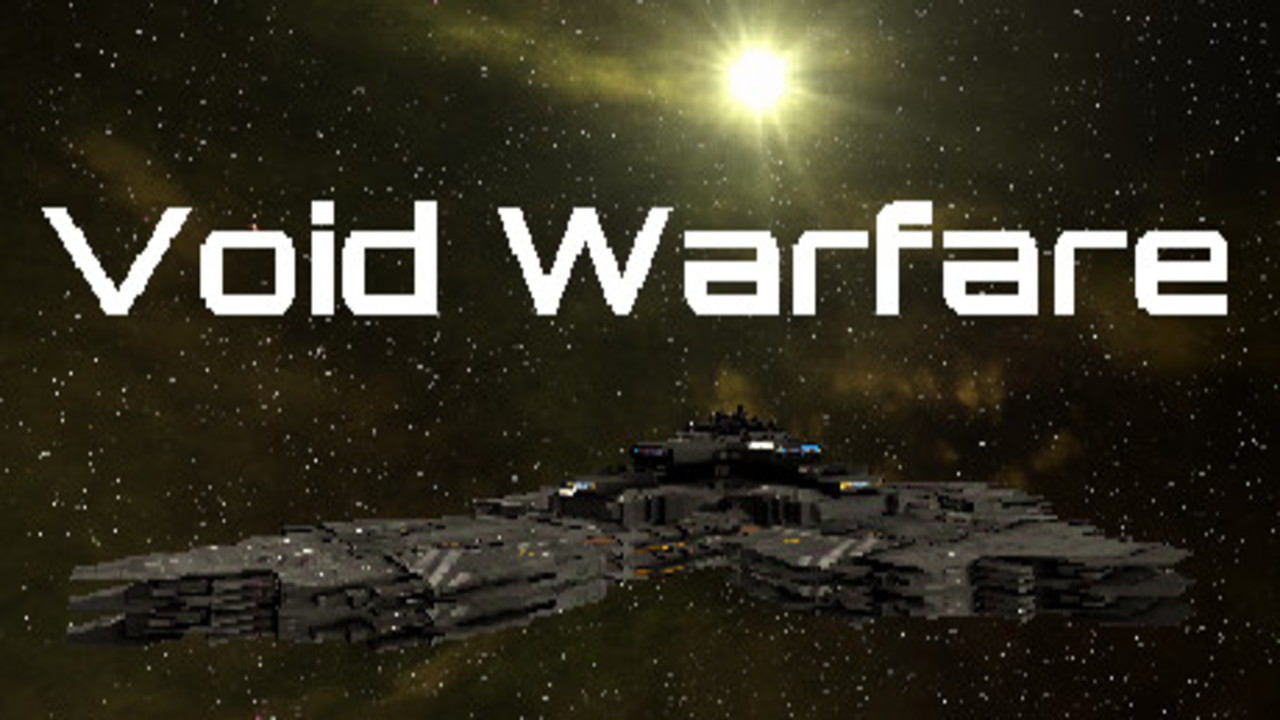
Free Download Void Warfare Full version Game for PC, The void is vast and dark. Sectors are patrolled by various vessels of Alien origins. Select a ship from the 40 available options, configure their weapon mounts and launch into instant action Space Vehicular Combat.

Overview of Void Warfare

The void is vast and dark. Sectors are patrolled by various vessels of Alien origins. Select a ship from the 40 available options, configure their weapon mounts and launch into instant action Space Vehicular Combat.

  • Small ships (1v4), Large Ships (1v4), Death Match (1v8): Available for each Ship Line.
  • Wave Endurance (1 VS Each Ship Line in order. Defeat Ogin at the end to Win.)
  • Planet Defense Station (1 VS The Planet Defense Station, while all of the Ascik line defends it, destroy the Station to Win.)
  • Battle Royale (1 VS all 40 Ships divided into their 5 teams of 8 Ships in a Gun and Missile race to be the last Ship Flying.)
  • Fluid Controls using Keyboard/Mouse or Controller as desired. Menus require a mouse/keyboard, combat can be either or. Controls listed in the Pause Menu -> Controls area for both Keyboard/Mouse and Controller.
  • The controller is plug and play, KB/Mouse controls are default; when a Controller is plugged in, it overrides the KB/Mouse Input for flight, this will not pause the game as it is intended to be hot swap capable. Please pause the game if you intend to switch controller types.

Features of Void Warfare

  • Choose from 5 Ship Lines; Ascik, Ertin, Zela, Ralloz or Ogin.
  • Pick from 8 Ships per Line; Seeker, Fighter, Carrier, Freighter, Cruiser, Annihilator, Destroyer, or Behemoth. Each with their own different Hull, Shield, Speed and Rotation values.
  • Choose from 18 game modes, including;
  • Unique Ship Hulls created from various modular ship parts.
    Great fighting music and atmosphere from Action Music Mega Pack and Space For Unity.

Minimum System Requirements

  • OS: Windows 10
  • Processor: Intel/AMD 2.4 GHZ
  • Memory: 4 GB RAM
  • Graphics: Newer Integrated or 2GB Dedicated.
  • DirectX: Version 11
  • Storage: 2,425 MB available space
  • Sound Card: Integrated

Recommended System Requirements

  • OS: Windows 10
  • Processor: Intel/AMD 2.4 GHZ
  • Memory: 8 GB RAM
  • Graphics: Newer Integrated or 2GB Dedicated.
  • DirectX: Version 11
  • Storage: 2,425 MB available space
  • Sound Card: Integrated

No DLCs Found!

No Mods Found!

How to Download Void Warfare

Follow the steps below to download Void Warfare.

    1. Browse or Search for a Game

    2. Use the search bar at the top to find a specific game. Alternatively, explore the categories or check out the Latest Games and Upcoming Games sections for recommendations.

    3. Check System Requirements

    4. Before downloading, review the game’s system requirements to ensure compatibility with your device. These details are listed on the game’s page.

    5. Start the Download

      • Click on the game you wish to download.

        On the game’s page, locate the "Download" button.

        Make sure you have a Torrent client installed. qBitTorrent is Preferred.

        Click “Download Torrent File” to initiate the download.

    6. Install the Game

    7. Locate the downloaded file in your system’s "Downloads" folder and follow the installation prompts to set up the game.

    8. Enjoy Your Game

    9. After installation, launch the game and dive into the adventure!

Tips for a Smooth Gaming Experience

  • Stable Internet Connection for faster downloads.
  • Ensure your device has enough storage space for the game files.
  • Verify that your device meets the system requirements.

File Size:

876.9 MB

XMX Studios

XMX StudiosVisit Creator's Site

Free Download Void Warfare Full Version Game for PC, The void is vast and dark. Sectors are patrolled by various vessels of Alien origins.


Share Void Warfare on Facebook Share Void Warfare on Twitter Share Void Warfare on WhatsApp
Leave a Comment
Previous Comments
